Pixelator help om visuele besonderhede in foto's te versteek, 'n pixel-mosaïekstyl te skep, of 'n gestileerde prent voor te berei voordat dit geplaas of gestuur word.
Heelbeeld pixelasie
Kies 'n prent, stel pixelgrootte in en pas die effek op die hele raam toe.
Handmatige borselmodus
Bedek slegs geselekteerde areas met jou vinger terwyl jy die res van die prent onveranderd laat.
Effek instellings
Pas pixel- en kwasgroottes aan en gebruik lig-, donker- of stelseltema.
Uitvoer
Stoor die verwerkte resultaat as PNG, JPEG of WebP en deel dit vanaf die toepassing.
Koppelvlak
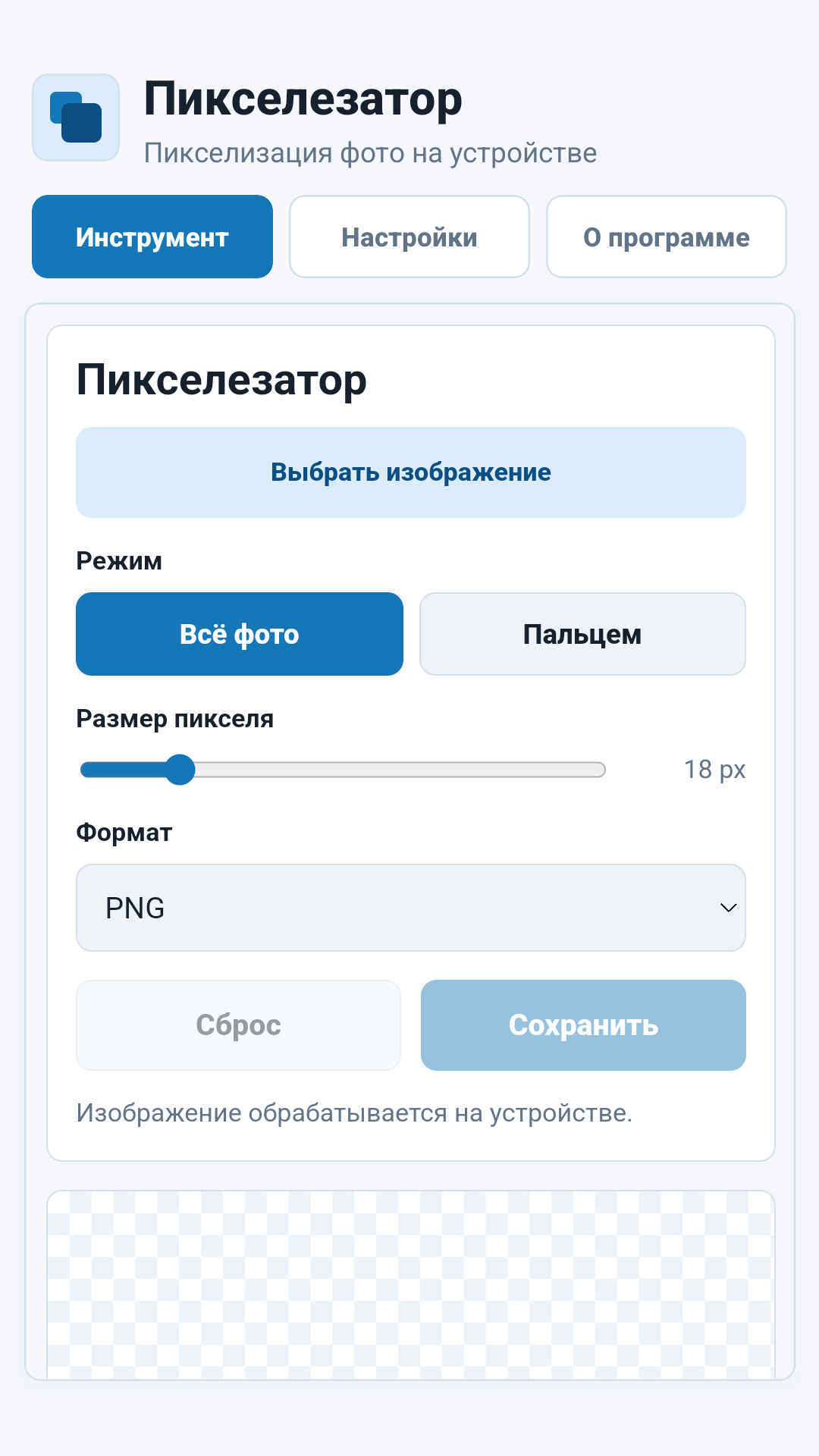
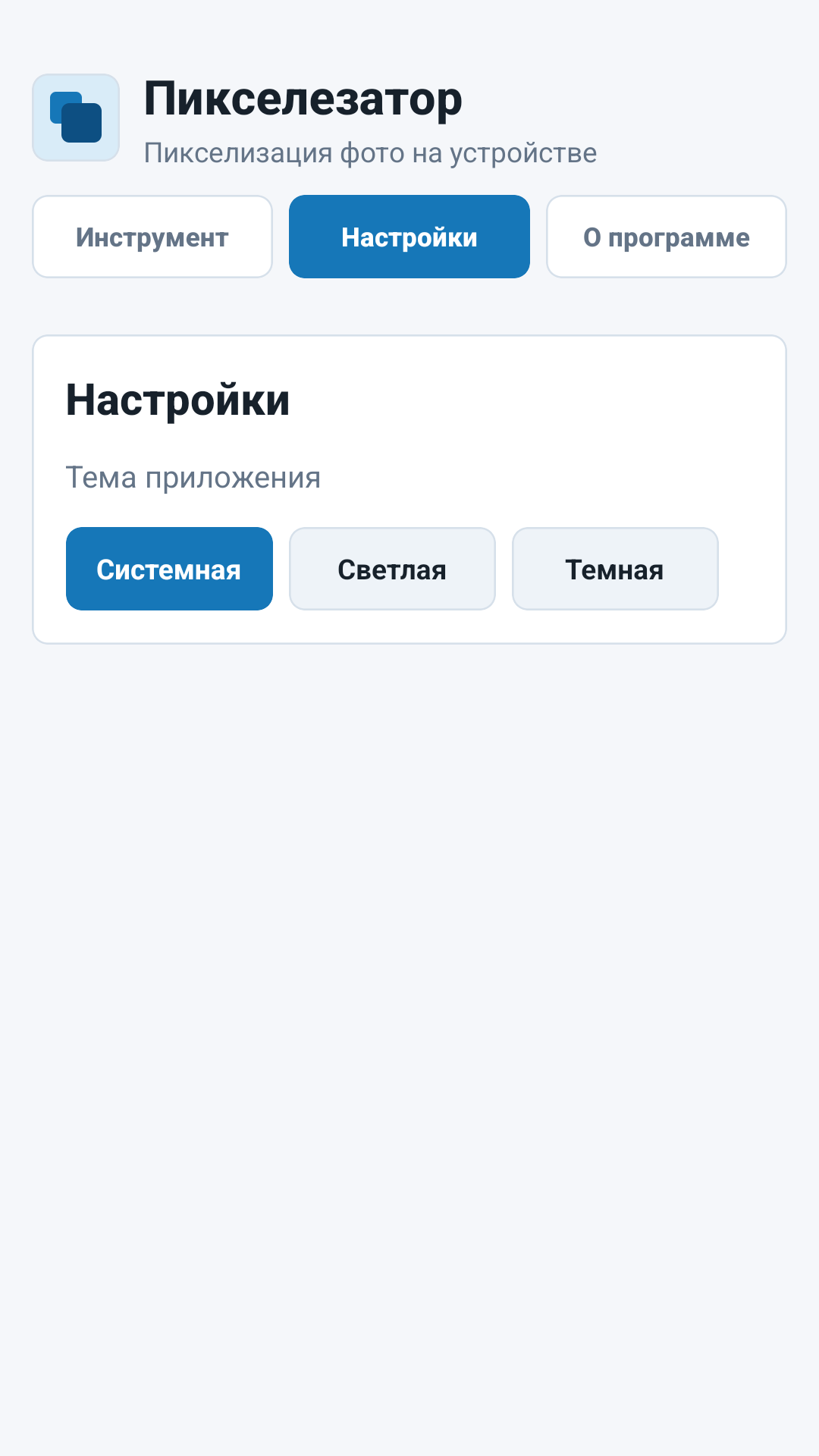
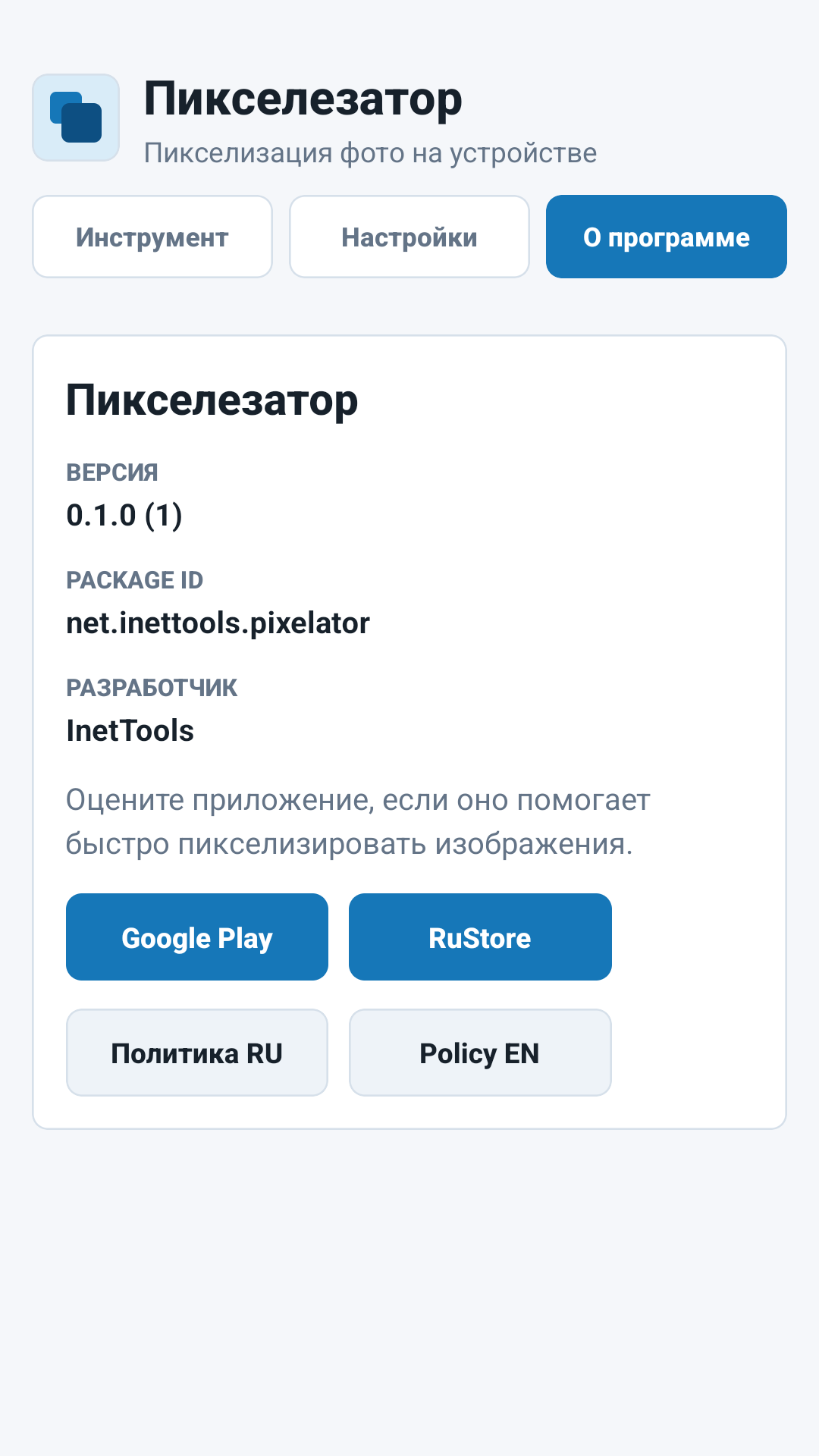
App skermkiekies
Kernskerms dek beeldkeuse en pixelering, verwerkinginstellings en inligting oor die toepassing.
PixeleringInstellingsOor
Belangrik
Beelde word plaaslik verwerk
Geselekteerde beelde word binne die toepassing op die toestel hanteer. Internettoegang word gebruik vir ontleding en ongelukdiagnostiek, nie vir die oplaai van foto's vir verwerking nie.
Voor publikasie
Hersien die resultaat voor deel: pixelering versteek besonderhede visueel, maar dit is nie 'n plaasvervanger vir wettige of mediese dokumentanonimisering nie.